What Is Thynthe Composer?
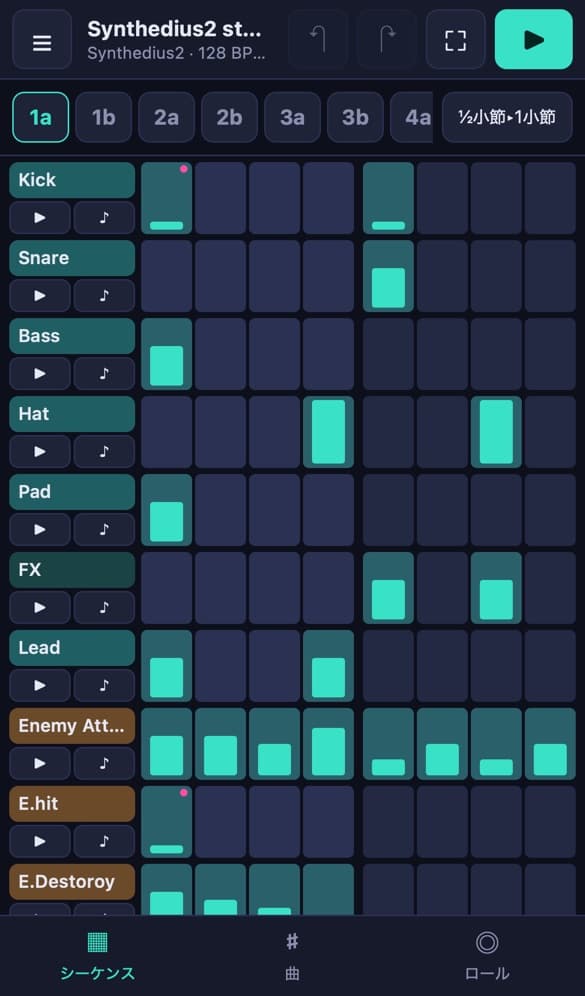
Thynthe Composer is a music app for making stage songs for the side-scrolling shooters Synthedius2 and Syntheworld, right in your smartphone's browser. It takes the composing part of the games' level editor, so you build songs with drums, bass, and melody just by placing notes on a 16-step sequencer. There's nothing to install and no account to create, and your songs load straight into the games.
How to Use
1. Open the app and start a song
Tap "Open the app" on this page to open the composer. Start from a blank song, or begin from one of the stage songs bundled with the games.
2. Place notes and shape the sounds
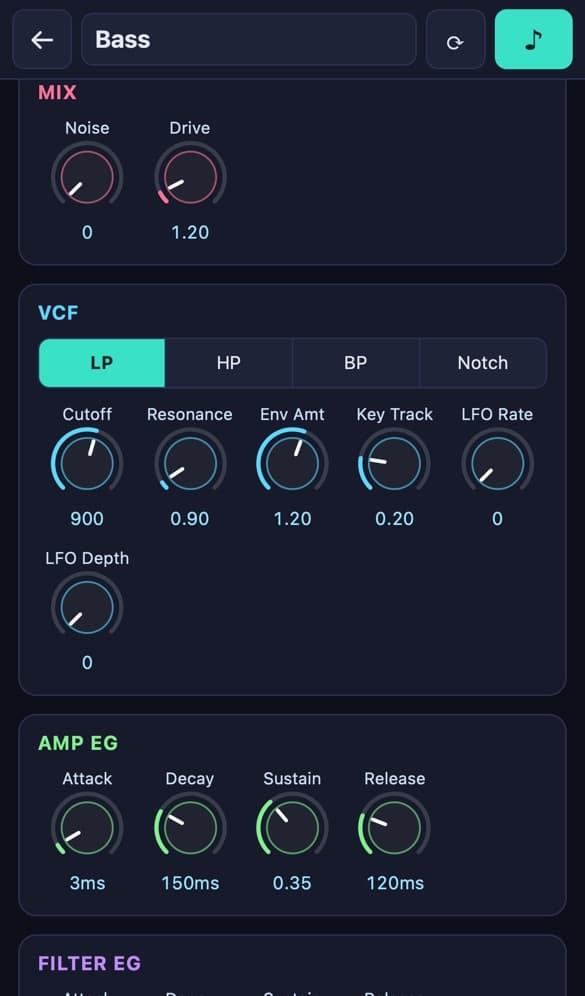
Tap or swipe across the sequencer, where each row is an instrument, to place notes. Set pitches and chords in each row's piano roll, and in the sound editor pick from 44 presets or tweak the VCO, VCF, and envelopes. BPM, key, scale, and chord progression can be set per song.
3. Export a zip and import it into the game
Export the song from the menu with the share-zip or download-zip button (the app's menus are in Japanese: "zip を共有" / "zip をダウンロード"), send it to your PC, and load it with "Import .zip" in the game's level editor. You can also open a zip exported from the game in this app to keep working on it.
FAQ
Where are my songs saved?
They are saved automatically inside the browser on your device and are never sent to a server. Clearing your browser data also deletes your songs, so export important songs as zip files.
Does it work on a PC?
Yes. It's designed for phones and tablets, but it also runs in desktop browsers.
Can I use it offline?
Once you've opened it, it starts instantly from the cache even without a connection. When a new version is released, an update bar ("更新") appears at the bottom of the screen.
Can I use sounds recorded with my microphone?
Yes. The sampler can record from the microphone or load audio files, and you can trim just the part you want to use in your song. Recorded sounds are included in the zip, so they carry over to the game.